 RdvPilot
DEMO · WHAT YOUR CLIENT EXPERIENCES
From the first click to the kept appointment.
Step into the shoes of a client of L’Atelier, a demonstration institute: where she comes from, how she books and everything she receives next. Real product screens, fictional data.
01
She finds you, wherever she is.
An Instagram story, a TikTok video, your Google listing, an ad, the QR on your counter or your business card: everything leads to the same link. No app to install.
- TikTok
- Google & Maps
- Ads
- QR in your window
- Business card
- Word of mouth
02
Two ways to book.
She picks what suits her. Before booking the paths differ; afterwards, it is the same calendar and the same follow-up.
One calendar, one follow-up after booking.
03
Path A — she gets reassured, then books.
Before choosing, she sees your services, prices, team, photos, practical information and Google reviews. Then service, person, day, time: only truly free slots are offered.
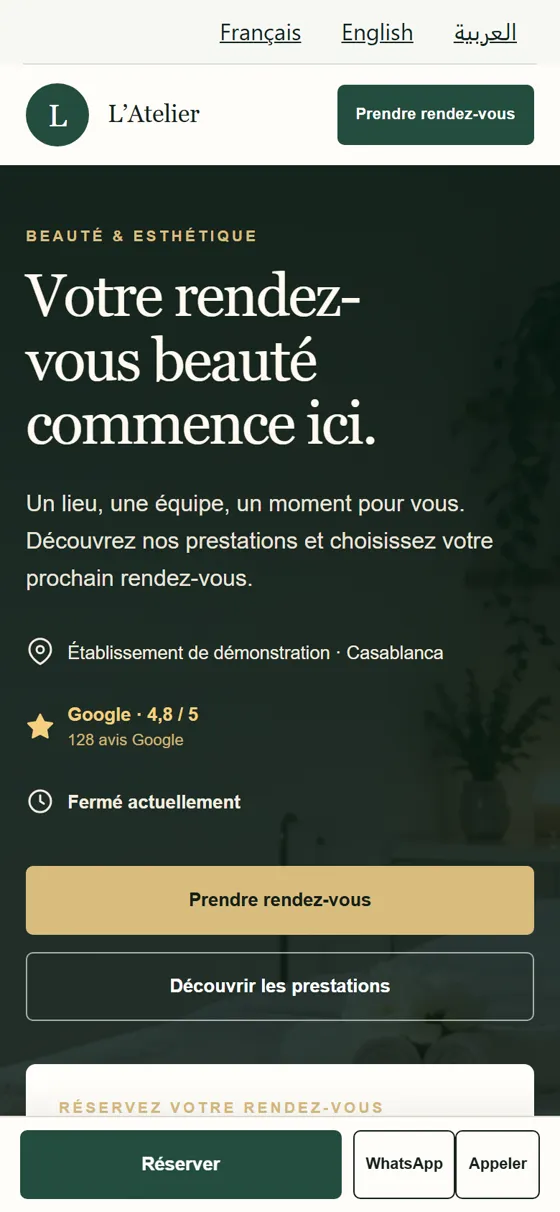
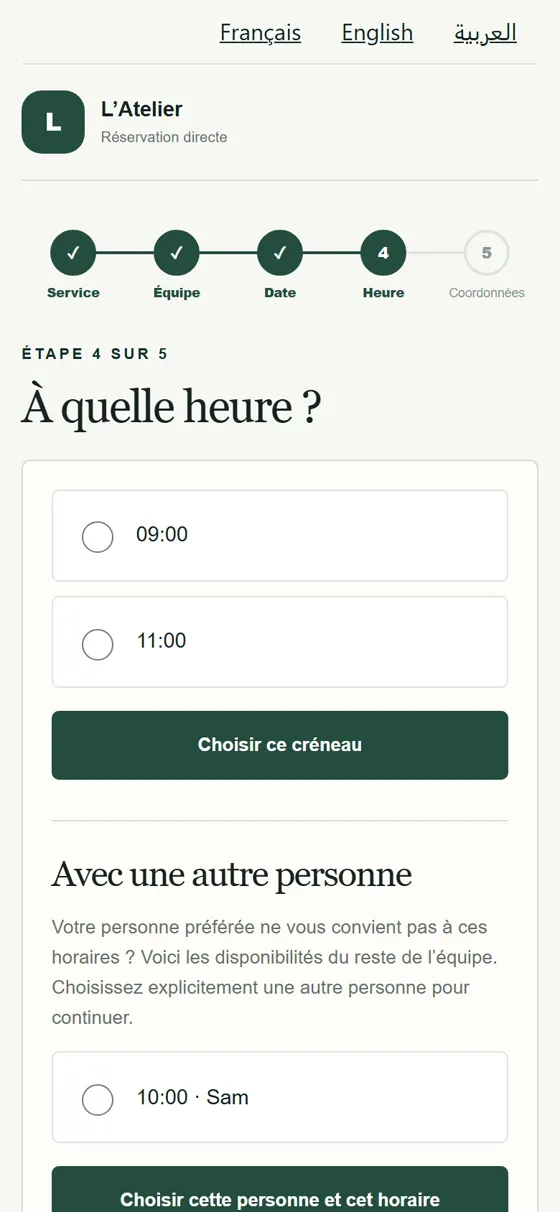
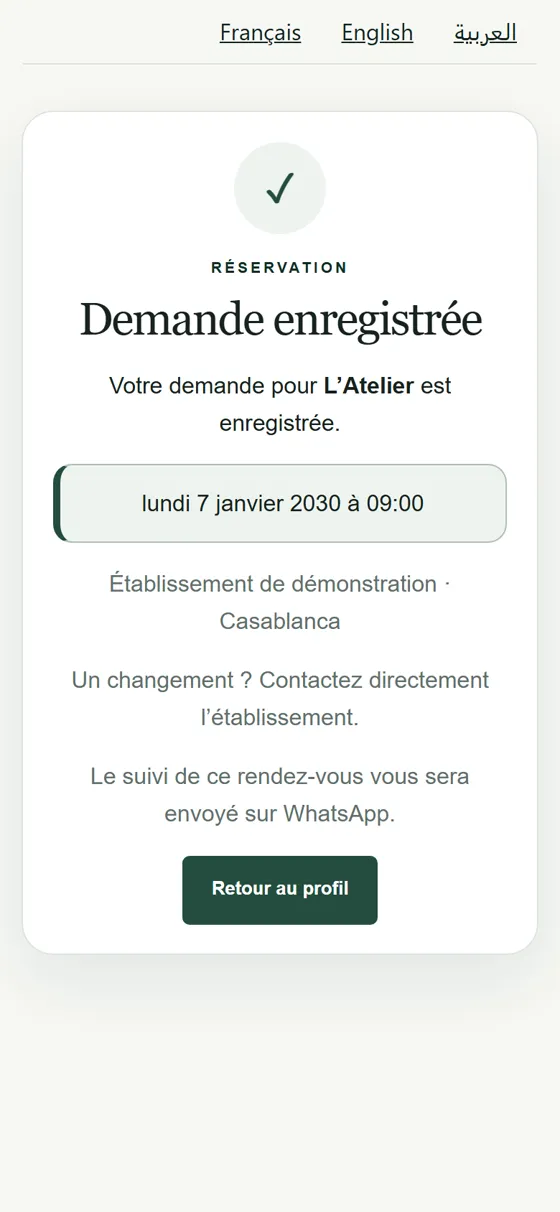
- She gets reassured
- She picks a time
- She confirms
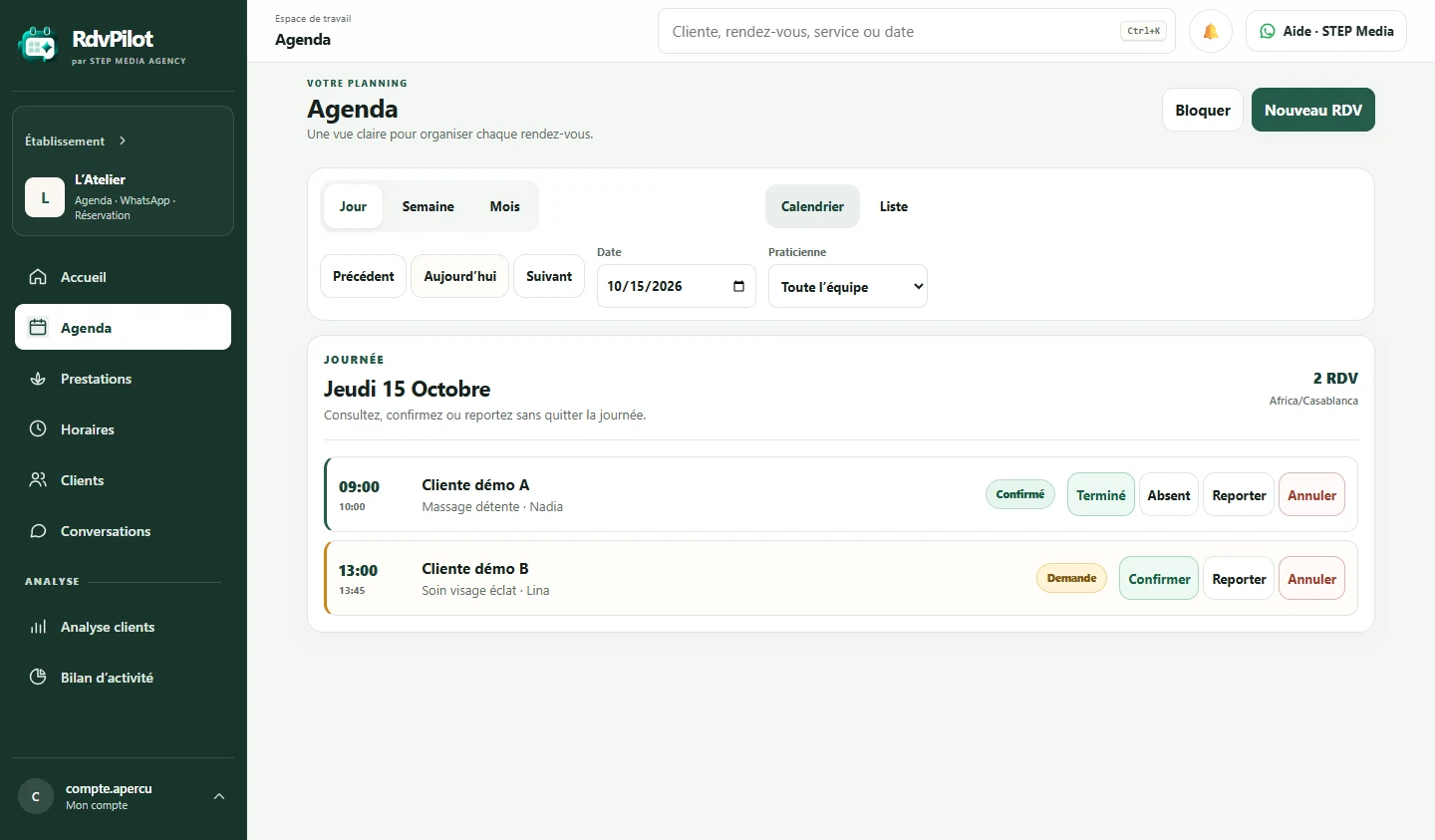
At the same moment, for the business: the appointment appears in the calendar.
04
Path B — she messages the AI receptionist.
With Premium, the business has its AI receptionist on WhatsApp. The client writes or sends a voice note in Darija, Arabic or French. The receptionist answers from the business’s information, offers its slots, and hands over to the team if needed. The appointment joins the same calendar and follow-up.
AI receptionistWhatsApp · example
“Salam, bghit soin visage ghdda mor 17h”
Tomorrow there is 5:30 pm and 6:15 pm. Shall I book 5:30 pm?
17h30
Appointment created · same calendar, same follow-up
Illustration of an exchange, not interactive.
05
Whichever path she took, she is followed up until the appointment, and after.
These are the messages she actually receives on WhatsApp with the Pro plan: the wording is the one approved by WhatsApp for RdvPilot. She can reschedule or cancel in one tap, and the calendar updates.
L’Atelier · WhatsApp
L’Atelier · WhatsApp
L’Atelier · WhatsApp
L’Atelier · WhatsApp
After her review, she is invited to post it on Google too.
Ready to offer this to your clients?
Choose your plan, set up your workspace yourself and share your link.